 Easy Twin
Kid Mode: hand over the phone, stay in charge
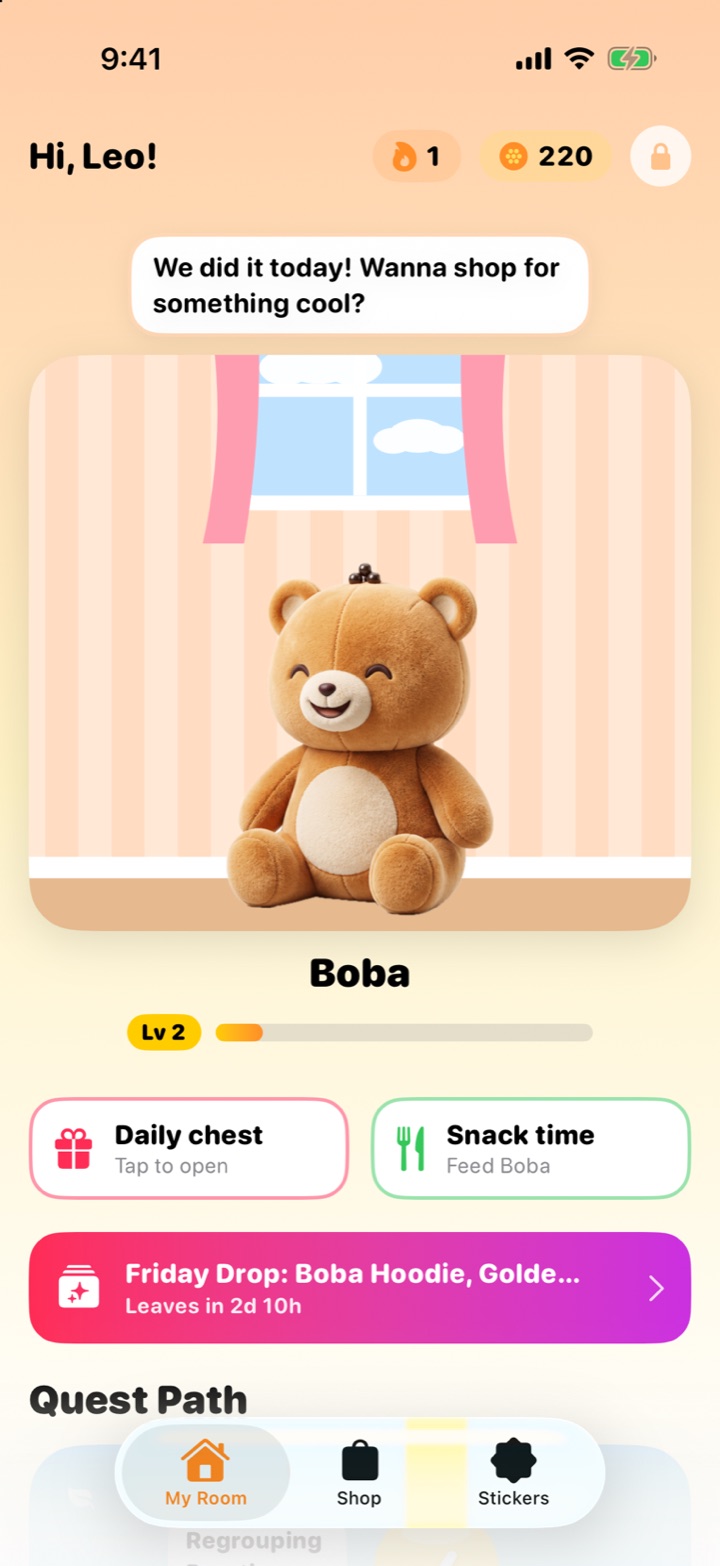
Kid Mode is the part of Easy Twin your child uses: their Stuffy's room, the quest path, the shop and the sticker book. Everything grown-up (scanning, purchases and settings) stays behind a grown-up lock. Leaving Kid Mode needs your 4-digit PIN, or, if you haven't set one, a grown-up multiplication question.
What can my child do in Kid Mode?
Play quests, feed and dress their Stuffy, open the daily chest, shop with Twin Coins and flip through their sticker book. When a kid finishes everything and wants more, Kid Mode shows a shortcut that asks a grown-up to snap new homework, so the request comes to you instead of a purchase screen.
What stays locked?
- Scanning new worksheets (each scan uses a credit)
- Buying Family Pass or credit packs
- Settings, account and data deletion
Leaving Kid Mode asks for your PIN. Set one in Settings → Kid Mode PIN. Without a PIN, the lock asks a multiplication question meant for grown-ups.
How does kid mode work?
Set a PIN (recommended)
Settings → Set a Kid Mode PIN. Four digits only you know.
Tap Kid Mode
Pick the kid and hand over the phone.
Your kid plays
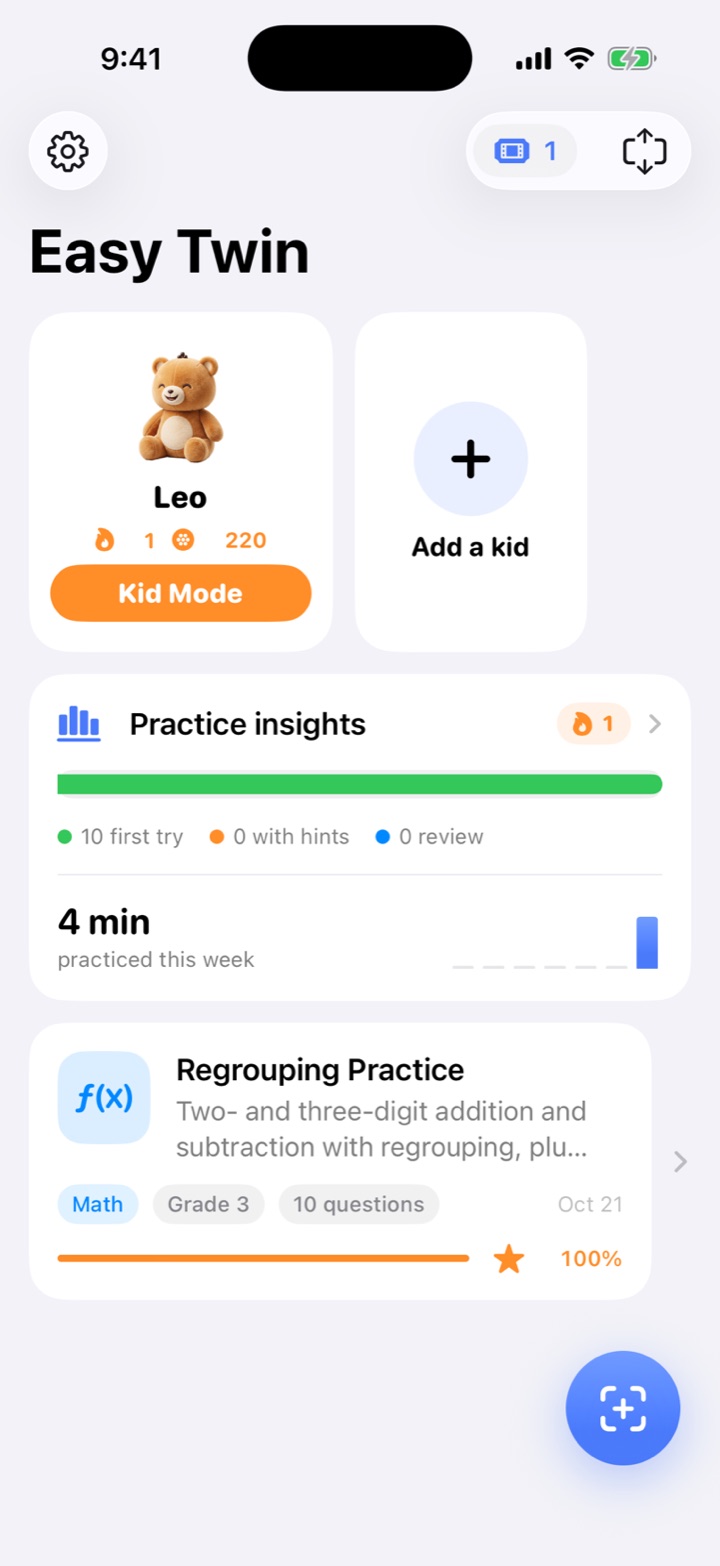
Quests, the Stuffy's room, the shop and stickers.
Take it back
Tap the grown-up exit and enter your PIN.
When do parents use kid mode?
Cooking dinner
Hand over the phone for a quest without worrying about purchases or settings.
A shared family iPad
Each kid plays as themselves, with their own Stuffy and quests.
Curious tappers
Little ones can explore their room and the shop without reaching your account.
Is Kid Mode a parental control for the whole phone?
No. Kid Mode keeps your child inside Easy Twin's kid area; it doesn't limit other apps on the device. For device-wide limits, use Apple's Screen Time settings on the iPhone or iPad.
Frequently asked questions
Is Easy Twin safe for my child to use?
Yes. Kids use Kid Mode, which has no ads, chats or links out, and keeps scanning, purchases and settings behind a grown-up lock (your PIN, or a grown-up math question). Twin Coins are earned by practicing and can't be bought. A parent sets up each kid with just a first name and grade.
What is Kid Mode?
Kid Mode is the kid side of Easy Twin: the Stuffy's room, quests, shop and sticker book. Scanning, purchases and settings stay behind a grown-up lock. Leaving Kid Mode needs your 4-digit PIN, or a grown-up multiplication question if you haven't set one.
Does Kid Mode lock other apps?
No. Kid Mode keeps your child inside Easy Twin's kid area but doesn't limit other apps on the device. Use Apple's Screen Time settings for device-wide limits.
Related features
Stuffy study buddies
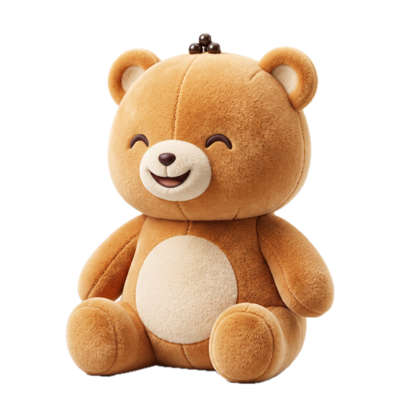
Your kid adopts a plush Stuffy (Boba Bear, Astro Pup, Pixel Cat or Dino Sprout) that cheers them through every quest.
Homework quests
Every scanned worksheet becomes a quest with combo streaks, a Boss question and a treasure chest at the end.
Interactive practice
Kids play each twin as a quest with three tries, two gentle hints, forgiving answer checking and worked solutions.
Which subjects and grades does it work with?
Kid Mode works across every subject and grade Easy Twin supports, from kindergarten through 8th grade.
Guides for parents
How to Make Homework Fun (Without Bribes or Battles)
Homework gets more fun when it is short, has a clear finish line, gives your child real choices, and shows progress they can see. A friendly character, a streak and fresh questions help more than big prizes, which can quietly make kids care less about the work itself. This guide gives parents specific ways to do each one tonight.
Kids' Learning Apps With Virtual Pets: What to Look For
A virtual pet can make practice something kids look forward to, as long as the pet serves the learning instead of the other way around. Before you download one, check that the questions match real schoolwork, that rewards are earned rather than bought, and that there are no ads, loot boxes or guilt traps. This guide gives parents a checklist to use on any app.
How to Turn a Worksheet Into New Practice Problems
To turn a worksheet into new practice, keep every question's skill, format and difficulty and change only the numbers, names and wording. You can write those versions by hand, hunt for a similar page online, ask a general chatbot, or scan the page into an app like Easy Twin, which writes one new question for each original in about 5 seconds a page.
Try Easy Twin on tonight's worksheet
Download free and get 3 free scans. Scan a page and your kid gets a quest to play with their Stuffy, or print the twin with an answer key.
Download on theApp StoreRequires iOS 26 or later. Works on iPhone and iPad.
- 3 free scans to start
- No ads, no tracking
- Kindergarten to 8th grade