 Easy Twin
How Easy Twin works
Easy Twin turns a homework worksheet into practice in five steps: scan the page, let the app write a twin of every question, hand the phone to your kid to play it as a quest with their Stuffy, open the treasure chest, then check progress or print a review. Each page is ready in about 5 seconds.
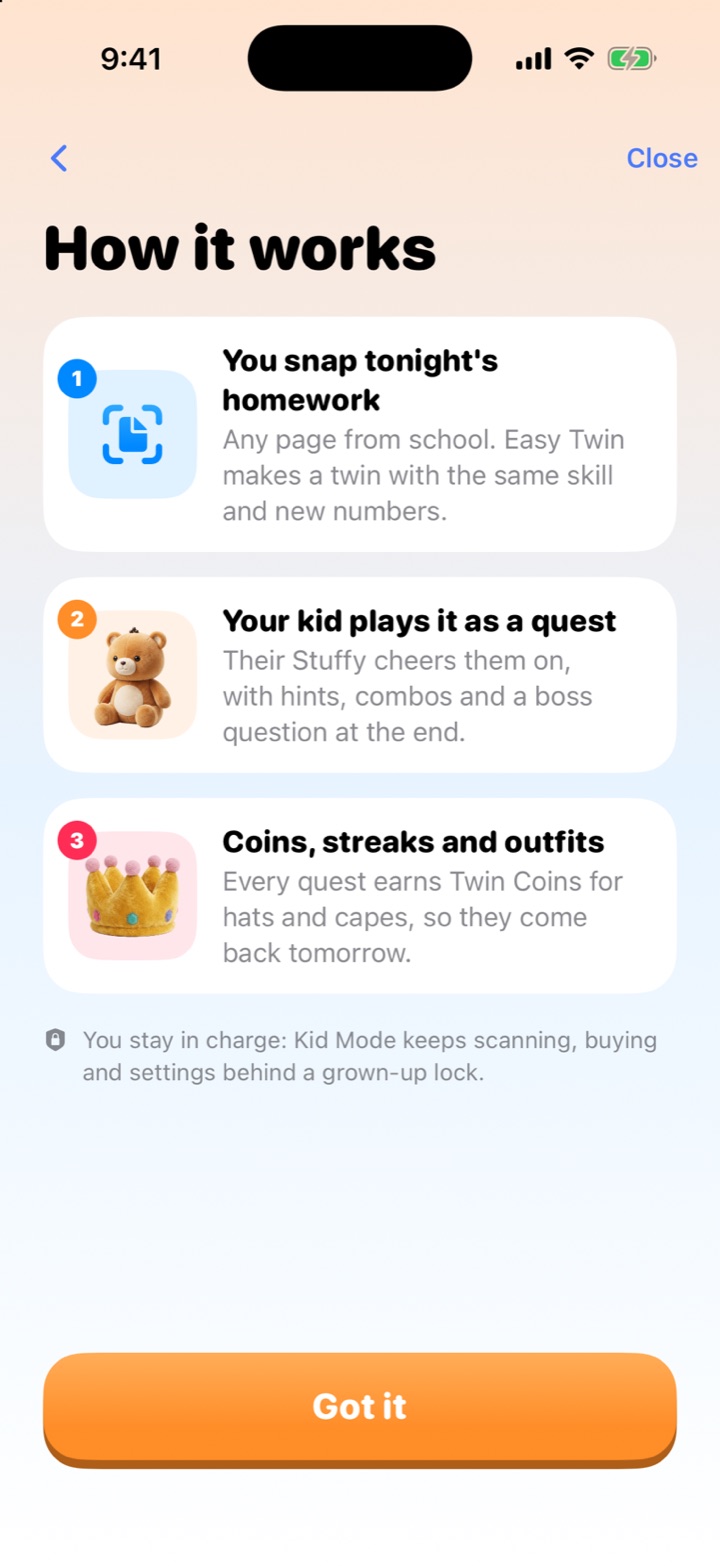
Step 1
Scan tonight's worksheet
Open Easy Twin and snap the homework page with your iPhone or iPad camera, or import a photo. Multi-page packets work too. One scan is one page.
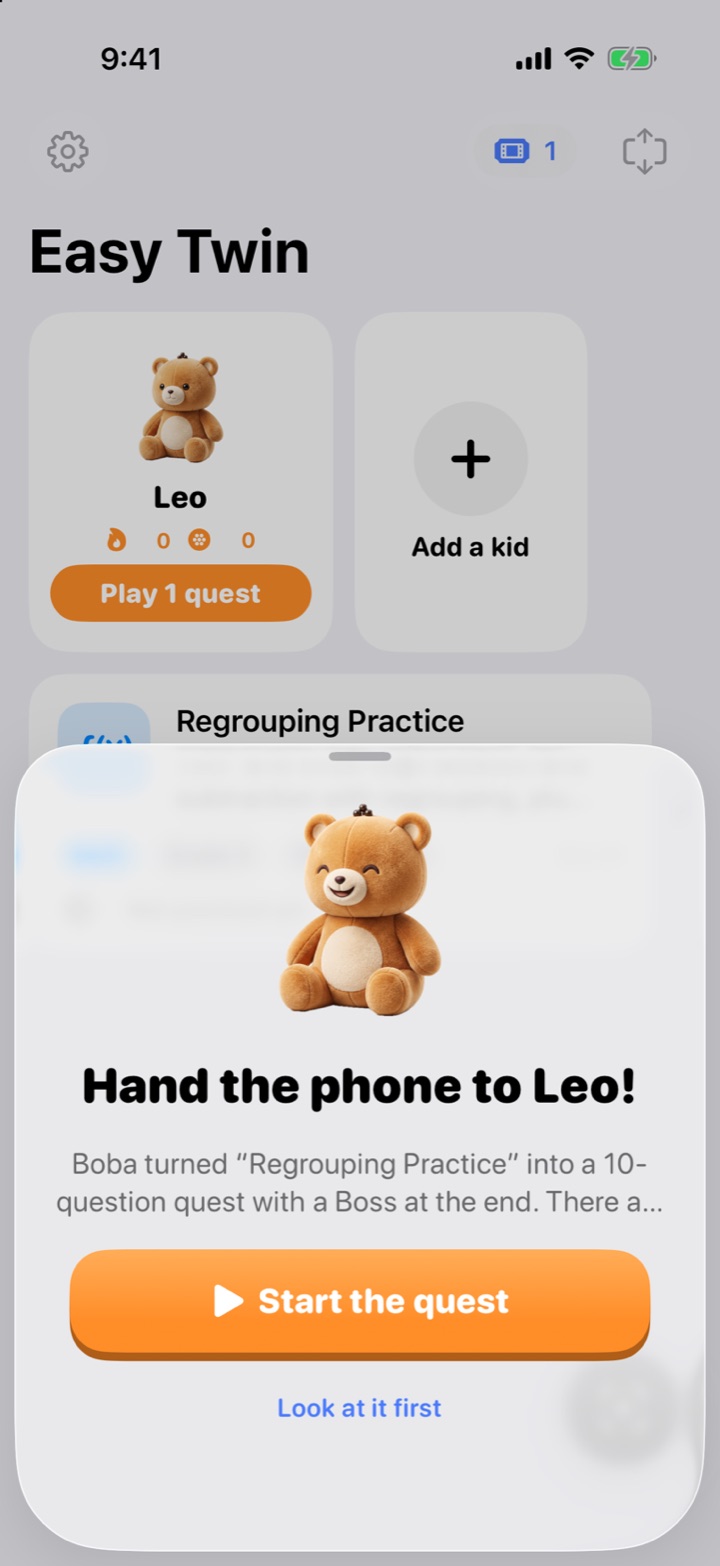
Step 2
Easy Twin writes the twin
In about 5 seconds a page, Easy Twin writes one new question for every original: same skill, format and difficulty, with new numbers, names and wording, plus two hints and worked steps for each.
Step 3
Hand the phone to your kid
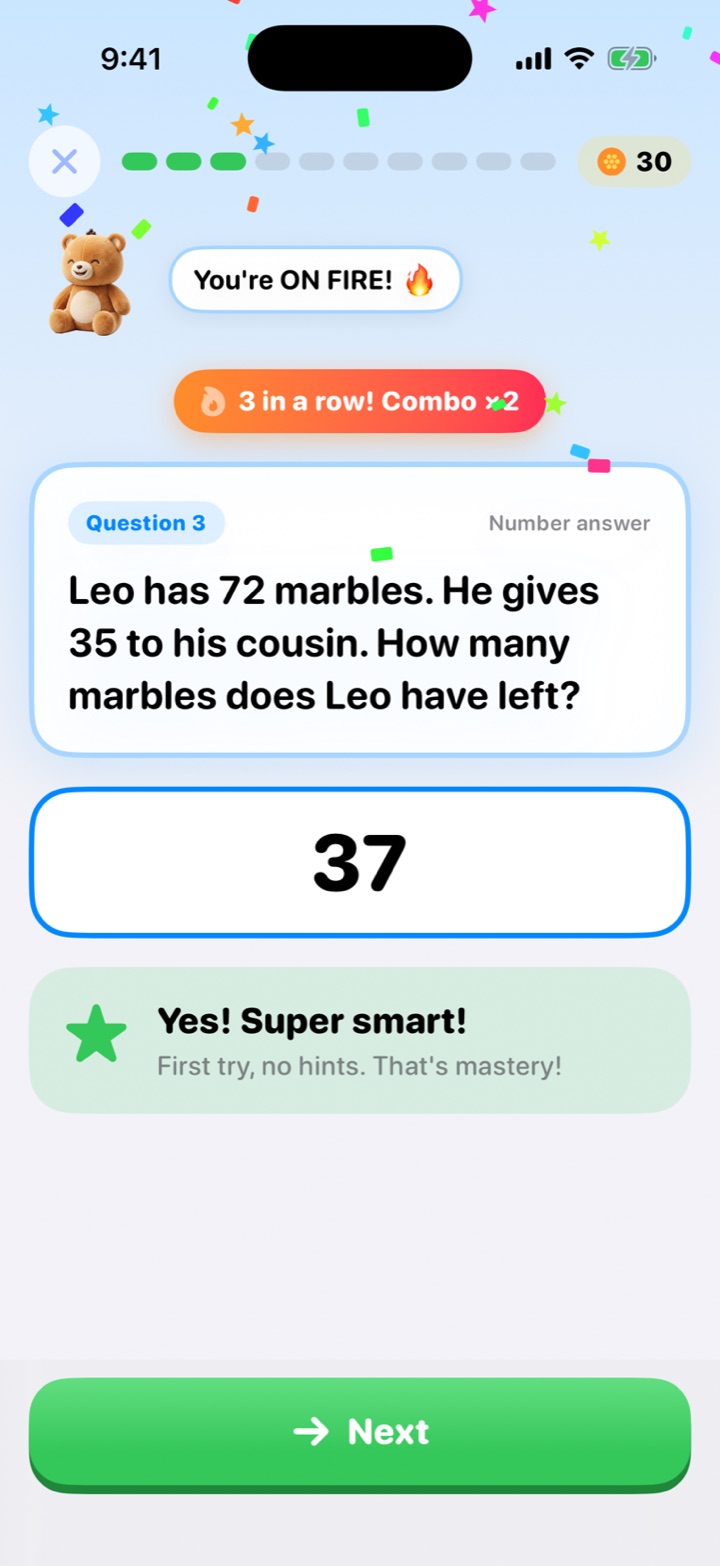
In Kid Mode your child plays the twin as a quest with their Stuffy: three tries per question, gentle hints, combo streaks and a Boss question at the end.
Step 4
Open the chest and spend Twin Coins
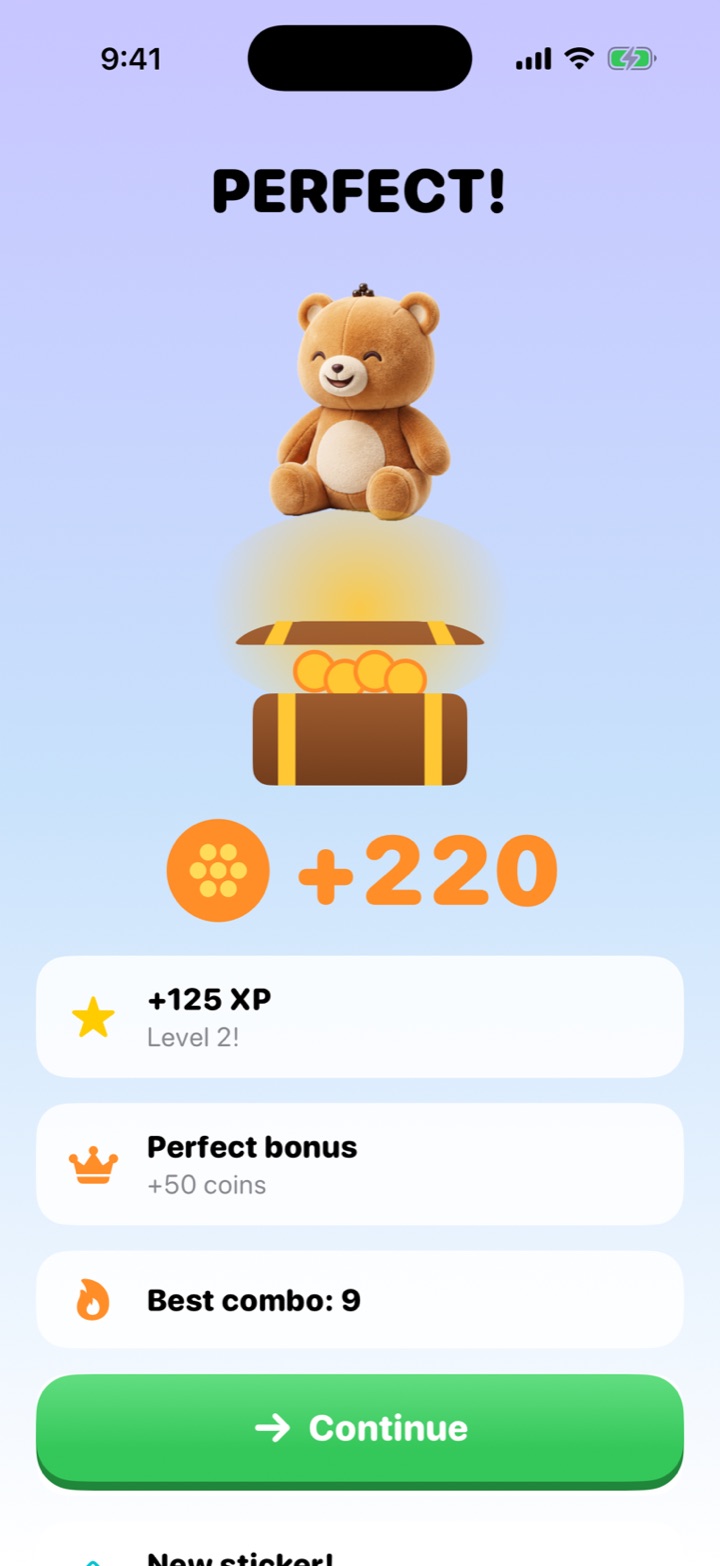
Finishing the quest opens a treasure chest of Twin Coins, which buy hats, capes and room decor for the Stuffy. The streak grows and new stickers land in the sticker book.
Step 5
See progress and print a review
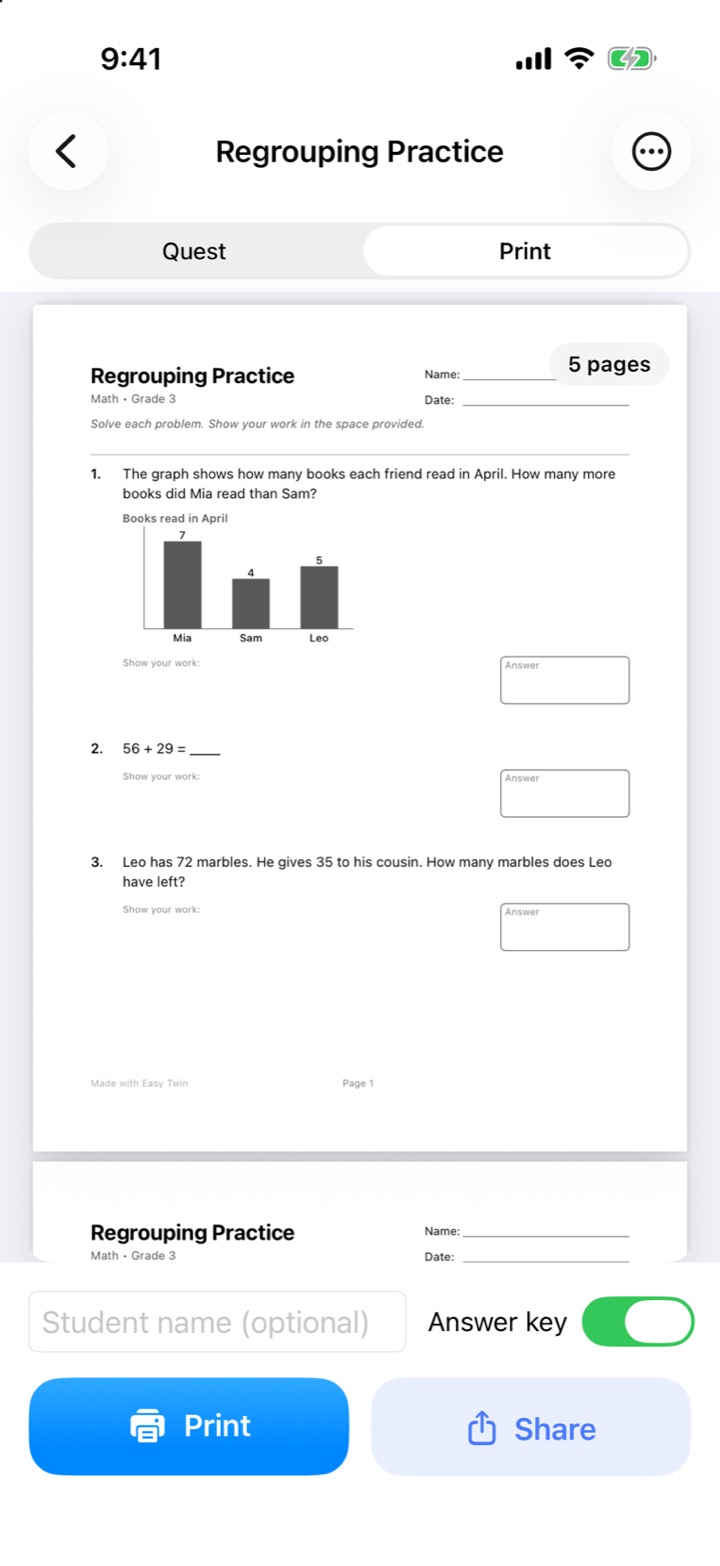
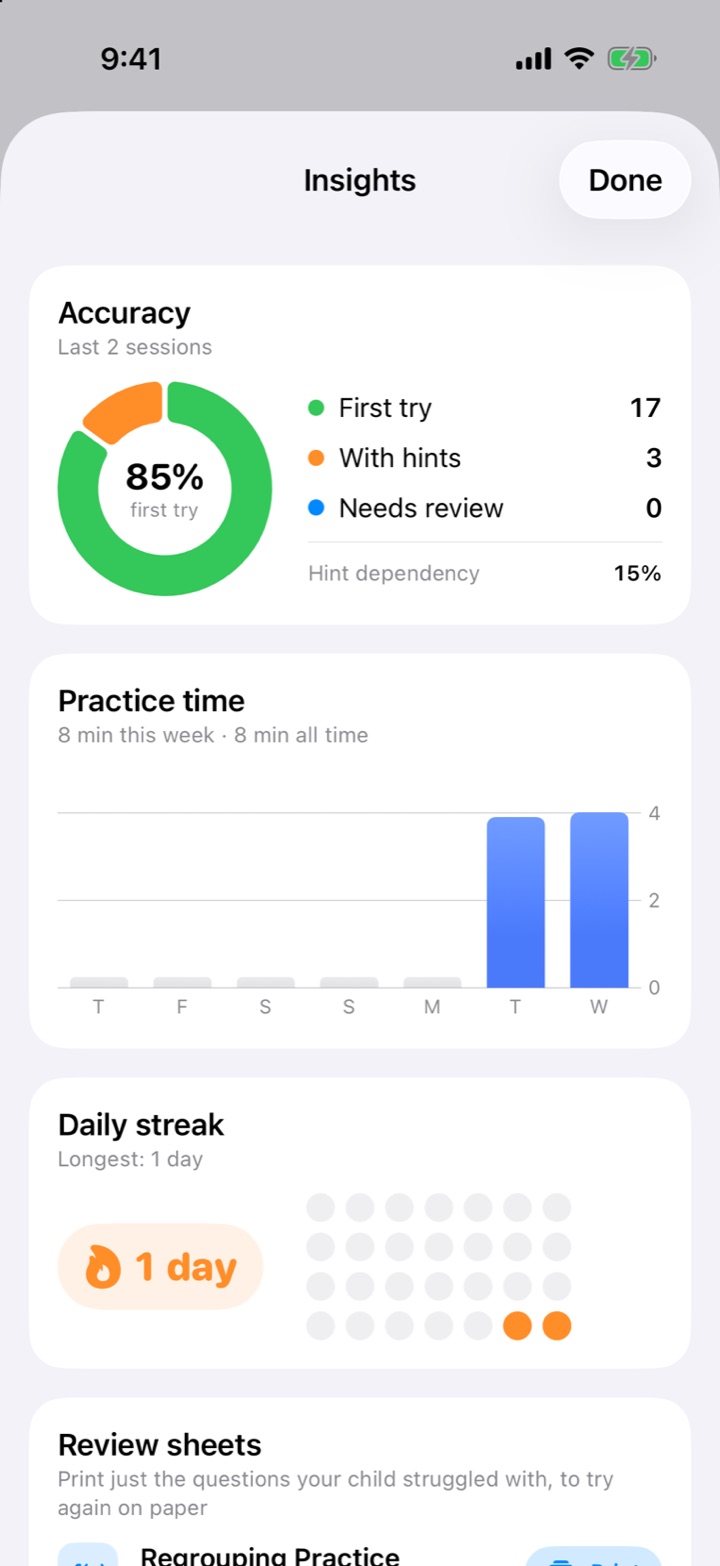
Grown-ups see first-try accuracy, practice minutes and tricky skills, print the twin with an answer key, or print a Review Sheet of just the missed questions.
Who does what?
| Grown-up | Kid |
|---|---|
| Adds each kid (first name and grade) | Adopts and names a Stuffy |
| Scans worksheets (1 scan = 1 page) | Plays each twin as a quest |
| Sets a Kid Mode PIN | Earns Twin Coins, streaks and stickers |
| Prints twins, answer keys and Review Sheets | Spends coins in the wardrobe shop |
| Reads progress insights | Asks for the next quest |
Meet the Stuffies
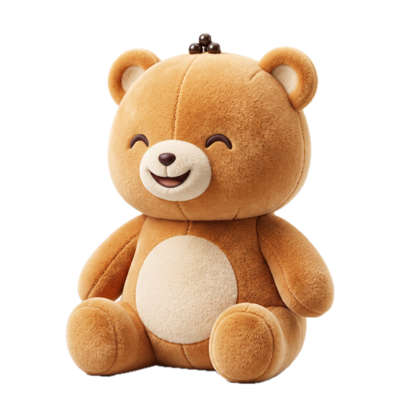
Boba Bear
Cozy, sweet, loves a good snack break.
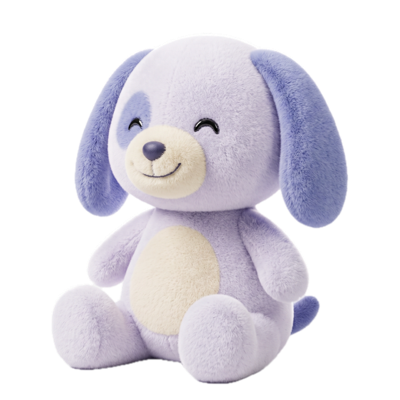
Astro Pup
Zooms through math like a rocket.
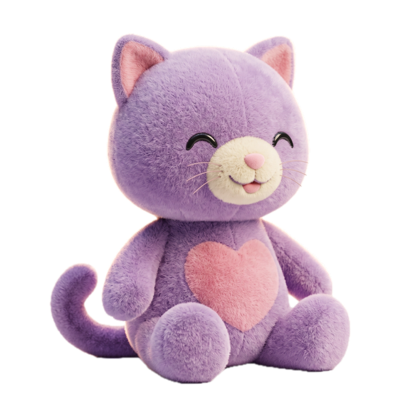
Pixel Cat
Clever, curious, a little bit glitchy.
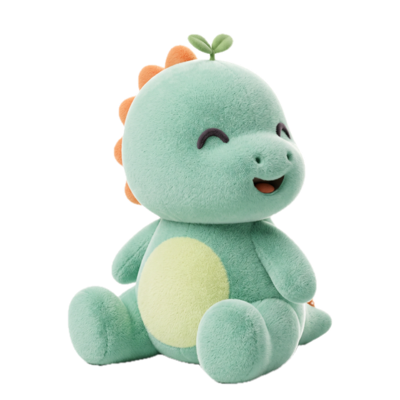
Dino Sprout
Small now. Grows HUGE with practice.
Frequently asked questions
What is Easy Twin?
Easy Twin is an iPhone and iPad homework app that scans a child's school worksheet and turns it into a "twin": new questions that practice the same skills with new numbers, names and wording. Kids play the twin as a quest with their own plush Stuffy pet, earning Twin Coins and keeping a streak, or parents print it with an answer key. It's built for kindergarten through 8th grade.
What is a twin worksheet?
A twin worksheet is a new version of your child's worksheet with one new question for every original, practicing the same skill at the same difficulty with different numbers, names, and wording. Question 1 of the twin mirrors question 1 of the original, and so on, in order.
Is there an app that turns worksheets into practice?
Yes. Easy Twin scans a worksheet with your iPhone or iPad camera and writes a new practice version of it in about 5 seconds a page, with one new question for every original that practices the same skill. Your child can play it as a game-like quest or you can print it with an answer key.
Explore the features
Stuffy study buddies
Your kid adopts a plush Stuffy (Boba Bear, Astro Pup, Pixel Cat or Dino Sprout) that cheers them through every quest.
Homework quests
Every scanned worksheet becomes a quest with combo streaks, a Boss question and a treasure chest at the end.
Interactive practice
Kids play each twin as a quest with three tries, two gentle hints, forgiving answer checking and worked solutions.
Scan a worksheet
Photograph any homework page or test with the document camera, one page or a whole packet.
Twin worksheet generator
Every question rewritten to practice the same skill with new numbers, names, and wording.
Print worksheets
A clean, letter-sized PDF with room to show work and an optional answer key for you.
Try Easy Twin on tonight's worksheet
Download free and get 3 free scans. Scan a page and your kid gets a quest to play with their Stuffy, or print the twin with an answer key.
Download on theApp StoreRequires iOS 26 or later. Works on iPhone and iPad.
- 3 free scans to start
- No ads, no tracking
- Kindergarten to 8th grade